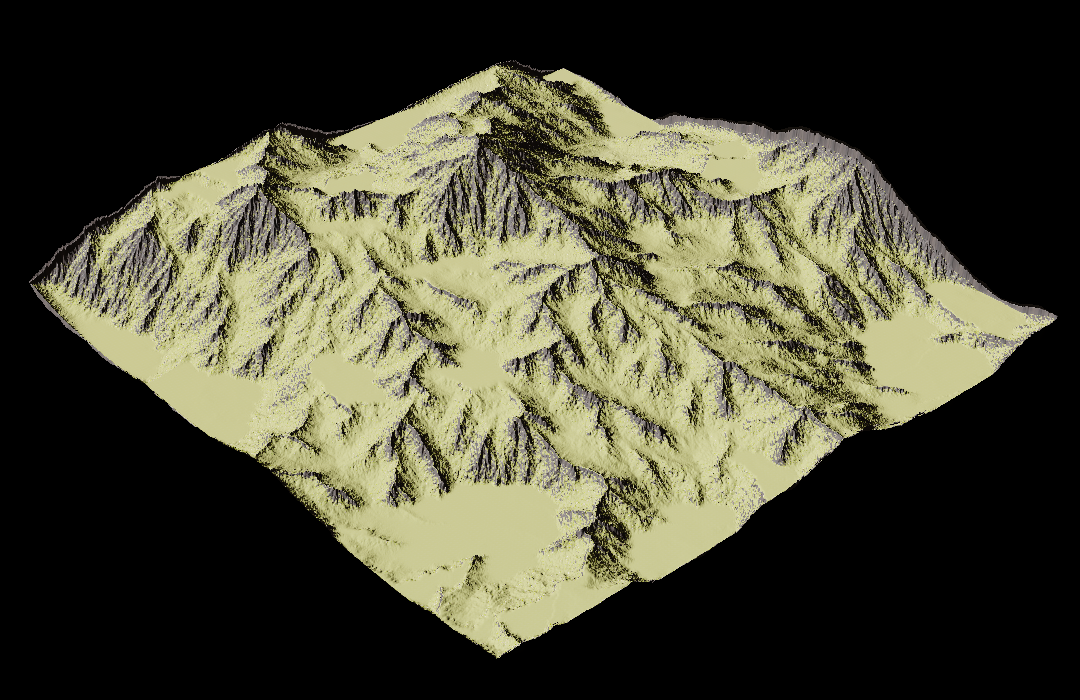
Introduction
- For the first couple of weeks when developing Catstronaut: Mission Impawssible I mostly worked on importing landscapes from Unreal Engine into BOB, our custom game engine. This led to me thinking a lot about landscapes and terrain and what one could do to make them look nicer.
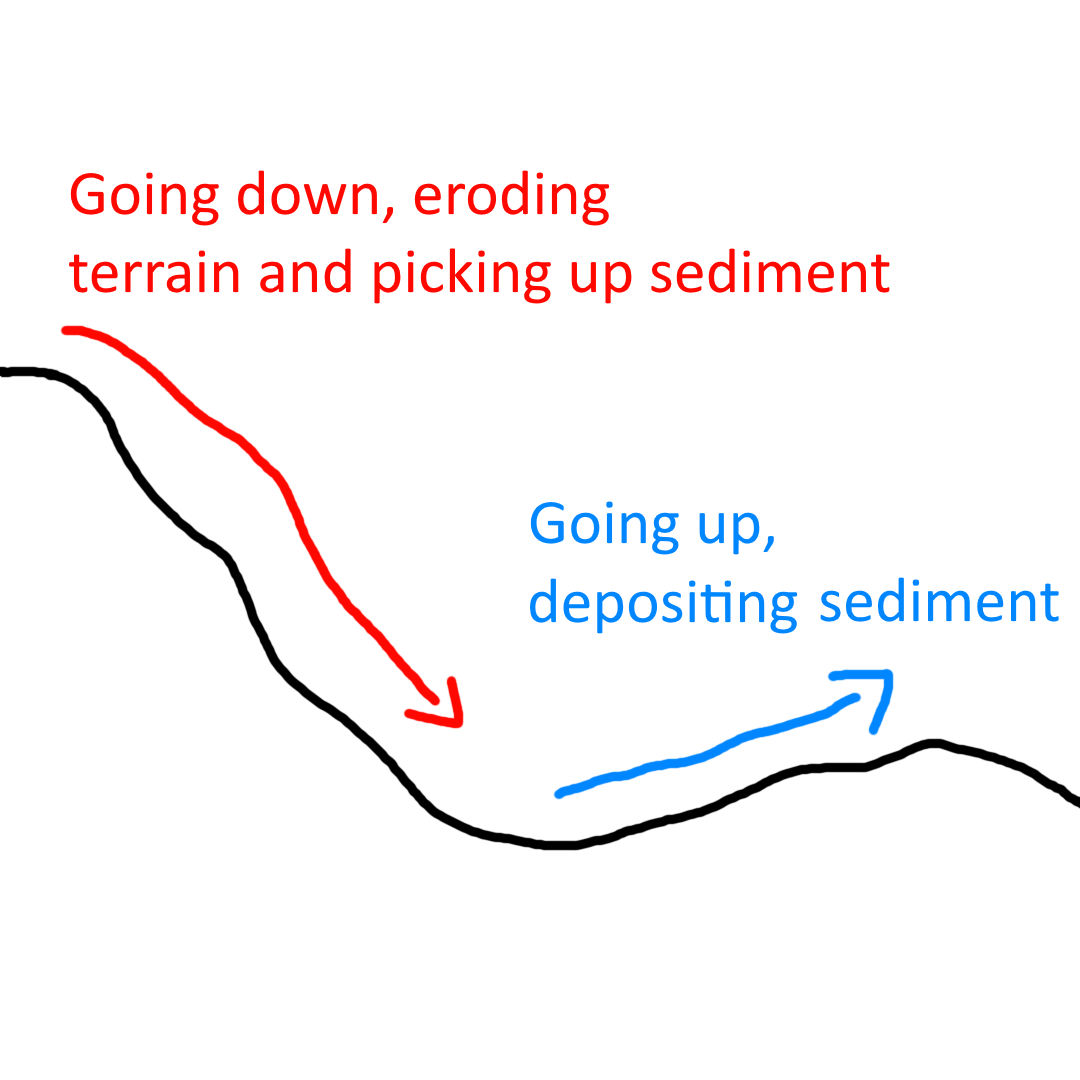
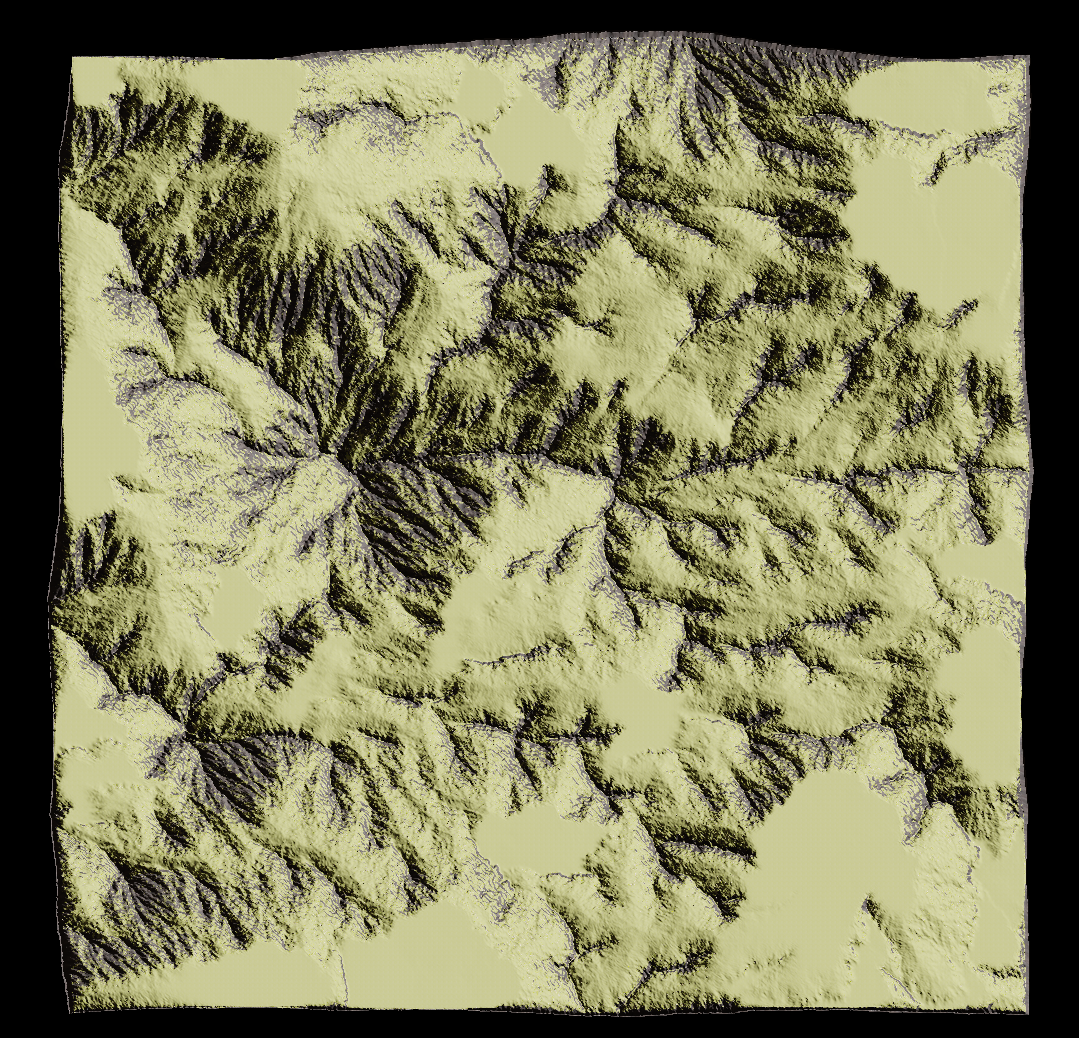
- When our specialization course at TGA began and we had to choose a project, I started researching and quickly stumbled upon terrain erosion. After some further research I thought that hydraulic erosion would be fun to implement and decided to choose it as my specialization project.
Features
- Terrain Generation using perlin noise
- Hydraulic erosion simulation on GPU
- Heightmap export as DDS and raw data
- Heightmap import from png, DDS, raw and .r16 (Unreal's file format)
Project Setup
I chose to use our BOB engine for this project because I felt that it would allow me to work the most efficiently as I have been working with it for the past 6 months. I also felt that the control offered by a custom engine would be a major advantage, since this project involved a lot of graphics programming that would likely have been much harder in a commercially available engine.
The project builds off the Modelviewer for the BOB engine, made by Svante Jakobsson, although it is heavily modified to fit my purposes. Even the engine itself is very stripped down to its core, as to not bloat the project with unnecessary game-related code.
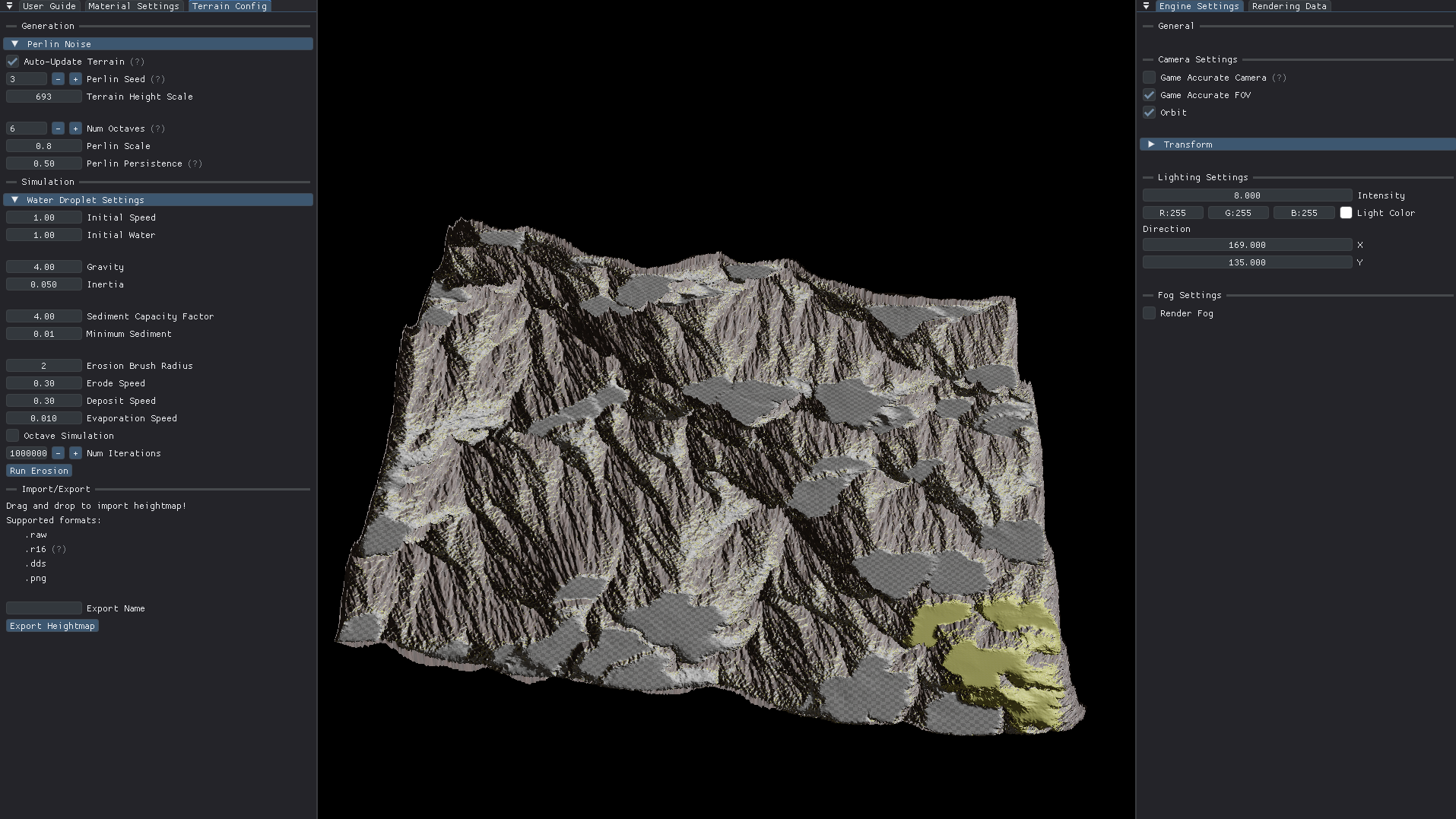
Modified Modelviewer
Terrain Generation
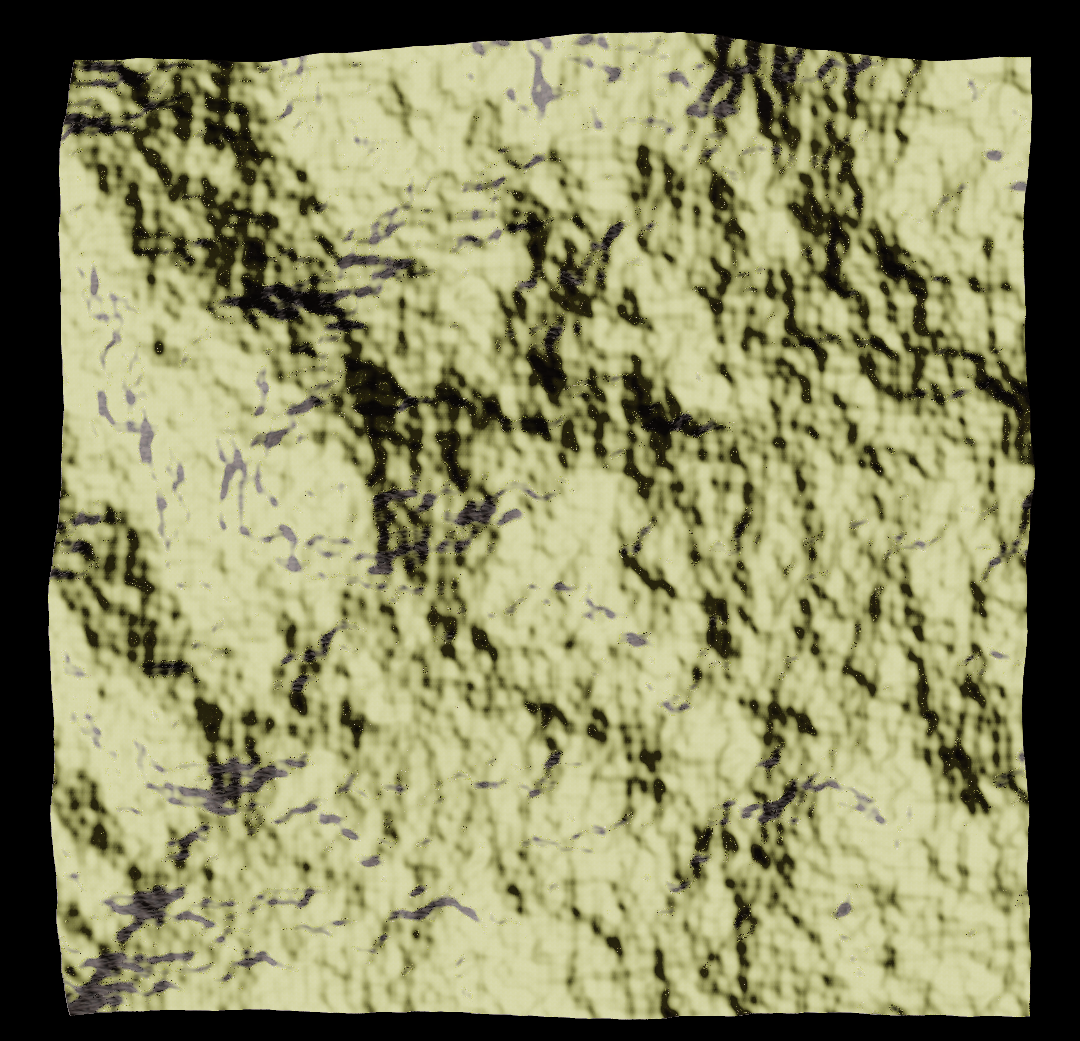
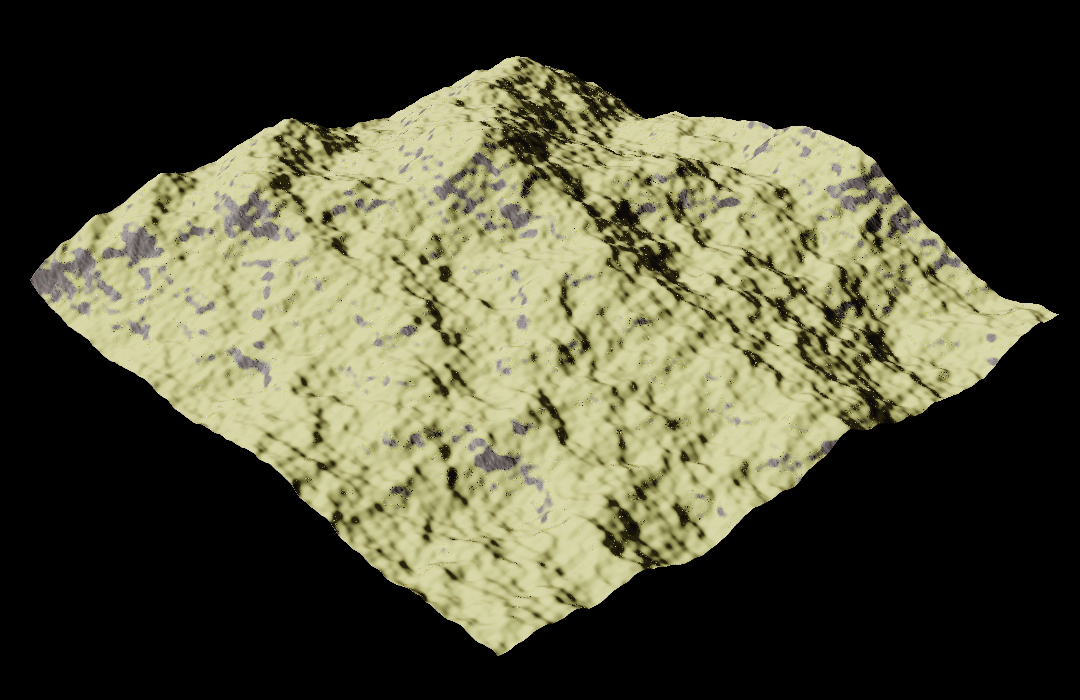
The very first thing i did was to make the program capable of generating terrain based on perlin and fractal noise.
Fractal noise is a kind of noise that is created by using multiple layers of noise (octaves) on top of each other, where each layer's frequency is doubled and amplitude halved.
This way of generating terrain is commonly used as it is really simple to implement and it looks pretty good on its own.
Unfortunately this technique does not generate realistic looking terrain.